How to build an internal Ask HR bot from policy documents safely
How to build an Ask HR bot on your policies and enterprise agreement in six steps: one current version of each policy, a hand-off list, permissions, privacy, a 30-question test and a pilot.
An internal "Ask HR" bot is safe when it answers only from your current policies and enterprise agreements, cites the clause behind each answer, says so when the documents don't cover a question, keeps each person's questions private, and hands anything personal or sensitive to a person in HR. Most of the work goes into deciding what the bot shouldn't answer and making sure it reads the current version of each policy.
Here's how I'd build one, in the order I'd do it.
1. Collect the documents, and pick one version of each
Start with what staff actually ask about: the enterprise agreement or award, leave policies, the employee handbook, expenses and travel, flexible work, the code of conduct, onboarding guides. Collect them from wherever they live, which is usually SharePoint, a shared drive, the intranet and someone's inbox.
Then do the job most HR teams have been putting off: for each topic, decide which document is current. If there are three leave policies, mark which one applies and retire or label the others. A bot reading "Leave Policy FINAL v3" alongside the 2019 handbook will eventually quote the wrong one, and it will cite it correctly while doing so.
Write down the order of precedence too. If the enterprise agreement and a policy disagree, which wins? A person in HR knows that the agreement usually does. The bot needs to be told, or to flag the conflict.
2. Decide what it won't answer
This list matters more than anything else in the project. A policy bot should explain the rules and leave complaints and decisions about a particular person to HR. My starting list of topics to hand straight to a person:
- Complaints about bullying, harassment or discrimination
- Anything about a particular person's performance, discipline or termination
- Workers' compensation claims and injuries
- Health, disability and family violence leave, where the person needs to talk to someone in HR
- Questions that need someone's pay, classification or employment history to answer
For these, the bot should say who to talk to and how, and stop there. It can still explain the general policy if someone asks how the process works.
3. Set permissions before anyone asks a question
Some HR documents are for managers only: delegations, salary bands, restructure plans, investigation procedures. If those sit in the same folder as the staff handbook, the bot can read them, and it may quote them to anyone.
The safe approach is a bot that honours the access rules already on your documents. If a staff member can't open the file in SharePoint, the bot shouldn't be able to answer from it for them. Check this yourself before launch by asking a manager-only question while signed in as an ordinary employee.
4. Keep the person asking private
Staff will ask a bot things they wouldn't ask HR directly, such as what happens to their leave if they resign, or whether they can take carer's leave for a parent. That's useful, and it only works if they trust the bot isn't reporting on them. Make questions private to the person who asked by default. If HR wants to see what people ask, give them the topics and counts without names.
Check where the conversations go, as well. The Office of the Australian Information Commissioner recommends that organisations don't enter personal information, especially sensitive information, into publicly available generative AI tools. An HR bot will receive personal information whether you intend it to or not, because people describe their own circumstances when they ask. Ask the vendor where questions are stored, for how long, and whether they're used to train any model.
5. Test it with questions you know the answers to
Before launch, write 30 questions with HR:
- 20 ordinary ones staff ask every month, with the correct answer and clause written down.
- 5 where an old document and the current one disagree. The bot should give the current answer.
- 5 the documents don't cover at all. The bot should say it can't find the answer and point to a person.
Click every citation. Then ask three of the sensitive topics from your list and check the bot hands them over. If the bot invents an answer to any of the five uncovered questions, fix that before anyone else uses it. Those are the answers that cause trouble, because they sound just as sure of themselves as the correct ones.
6. Pilot with one team, then read what it couldn't answer
Launch to a small group first, in the tool they already use, which is usually Microsoft Teams or Slack. After two weeks, read the list of questions the bot couldn't answer. The list shows you which policies are missing, which ones are written so vaguely that nobody can apply them, and what staff are worried about.
Fix what the list shows by updating the documents. When a policy is rewritten, the bot should pick up the new version and stop citing the old one without anyone retraining it.
How Certant handles an HR bot
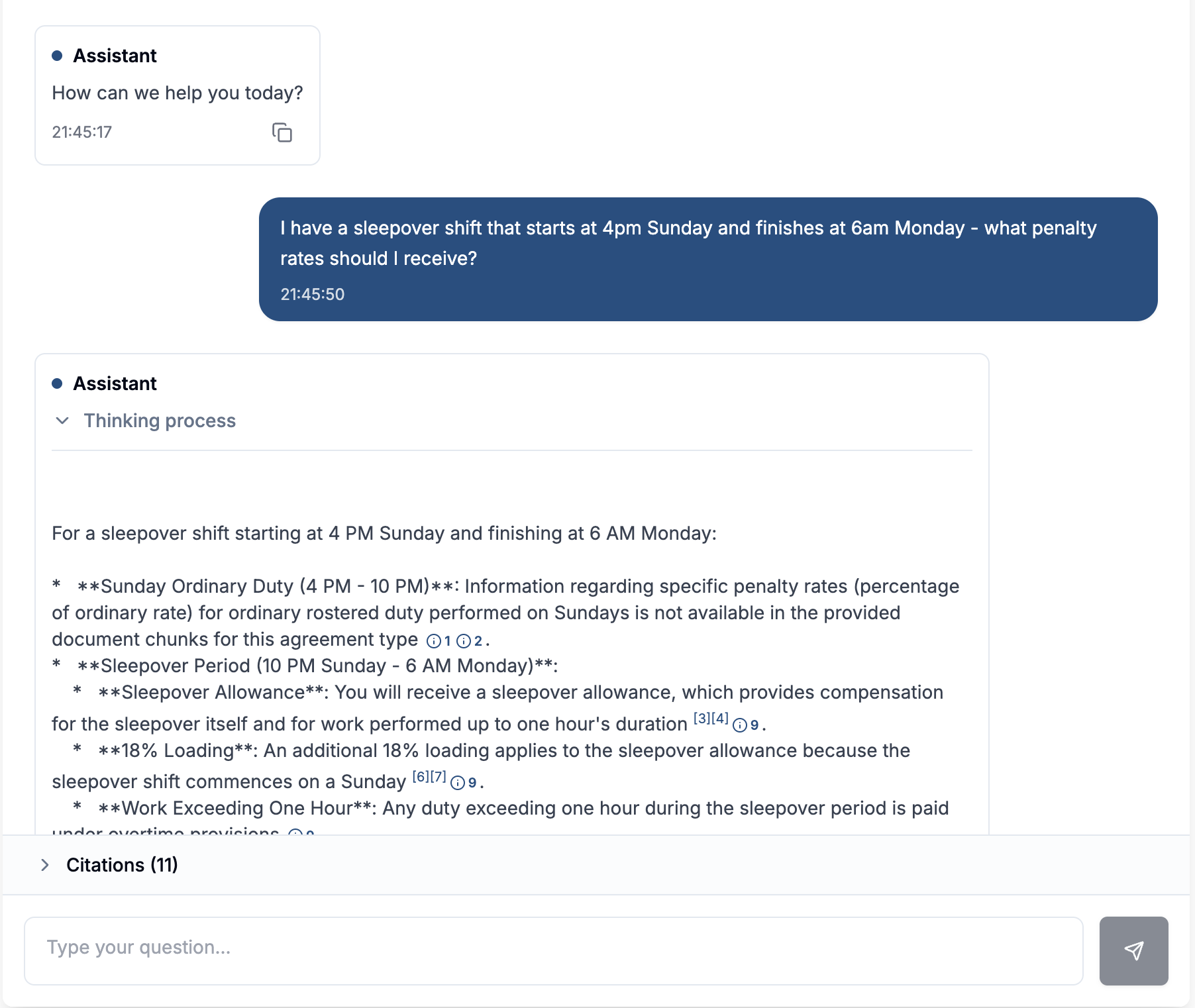
A Certant chatbot answers from the documents you connect, and every answer cites the clause, with one click opening the page. When the documents don't cover a question it says so and offers to pass it to a person with the conversation attached. It flags policies that contradict each other and documents that have been replaced, so you find the three leave policies before a staff member does.
Permissions are set at the workspace, knowledgebase and chatbot level, and where SharePoint, Google Drive, Confluence or Box carry per-document access rules, Certant applies them when it answers. Questions are private to the person asking by default, and HR can see what people ask without seeing who asked it. Certant never trains models on customer data. The bot runs as a Slack or Teams app, on the intranet, or as a widget on any page.
If your HR documents can't go to a shared cloud, Certant also runs in your own cloud account or on hardware in your building; the deployment options explain each one. More on the setup is on the internal employee chatbot page, and the same checks apply to a support agent for customers.
Frequently asked questions
How do I build an internal Ask HR bot using policy documents safely?
Pick one current version of each policy, list the topics the bot must hand to a person, make it respect the access rules on your documents, keep questions private to the asker, and test it with 30 questions, including five the documents can't answer.
Should an HR chatbot answer questions about an individual's pay or leave balance?
Only if it's connected to the HR system with that person's own access, and you don't need that connection to start. A policy bot can explain the rules safely. Questions that need a person's own record are better sent to HR or a self-service portal at first.
How do you keep an HR knowledge base up to date?
Give each policy an owner, mark replaced versions, and read the list of unanswered questions every month. Update the document and let the bot pick up the change.
Can we try this on our own policies?
Yes. The free trial covers about 50 pages or 100 questions, which is enough for a leave policy and an enterprise agreement. For an organisation-wide rollout, book a call.